It seems you are not visiting the site with the correct settings for your country. Do you want to switch to the correct version of the site?

Continue Close and continue with current settings

Events and News

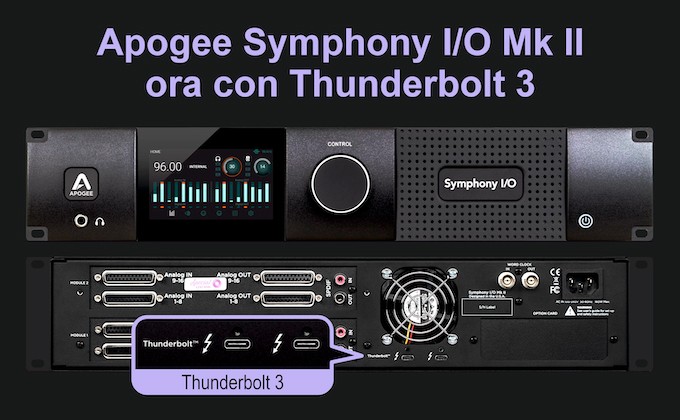
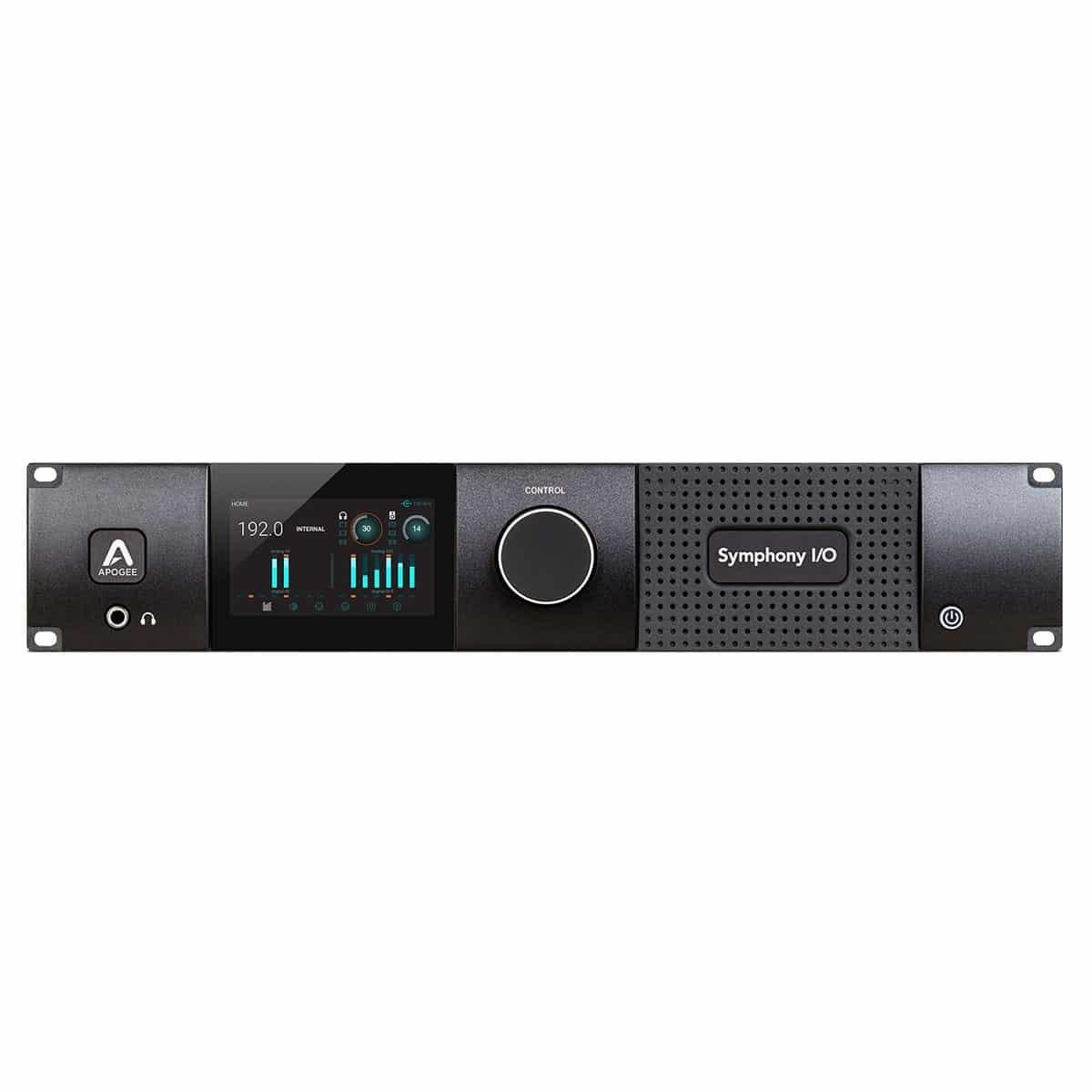
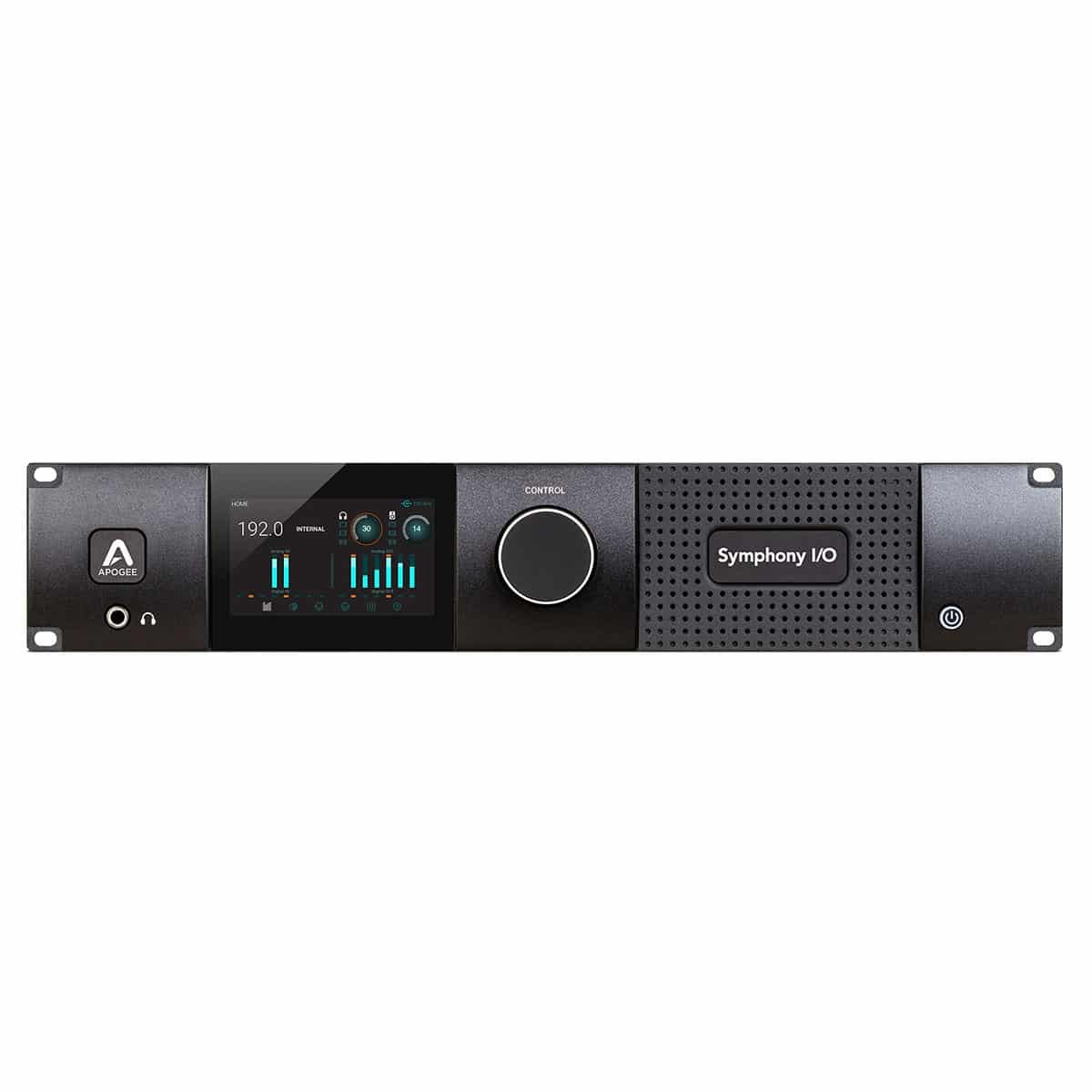
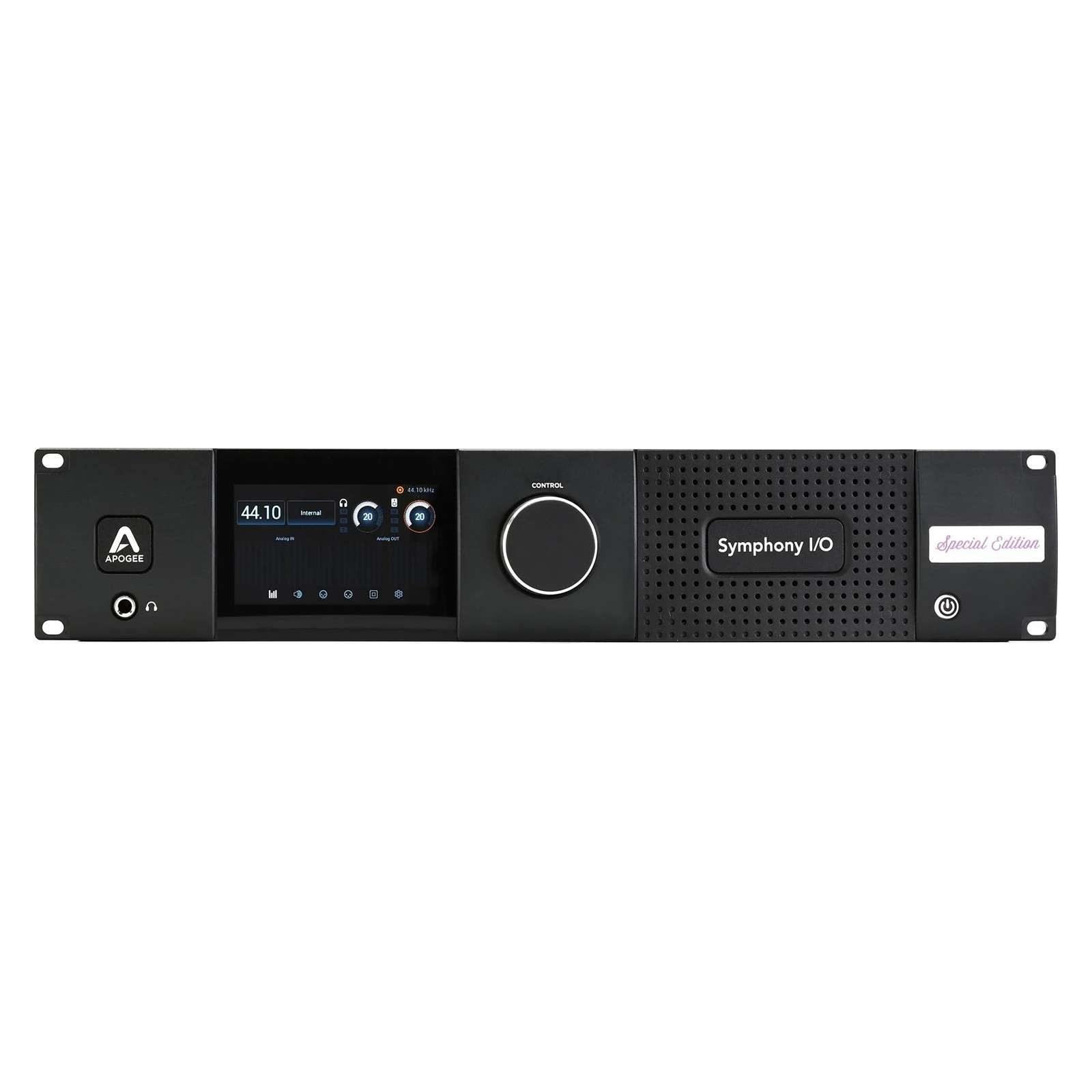
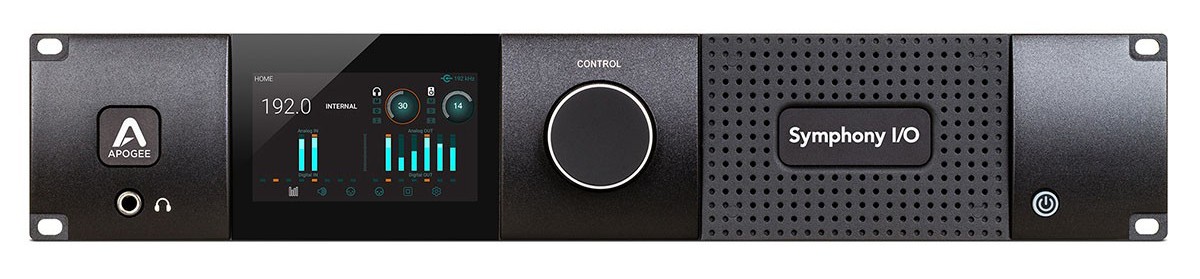
Apogee News: Symphony MkII Now Features Thunderbolt 3

Published on 16/12/2025

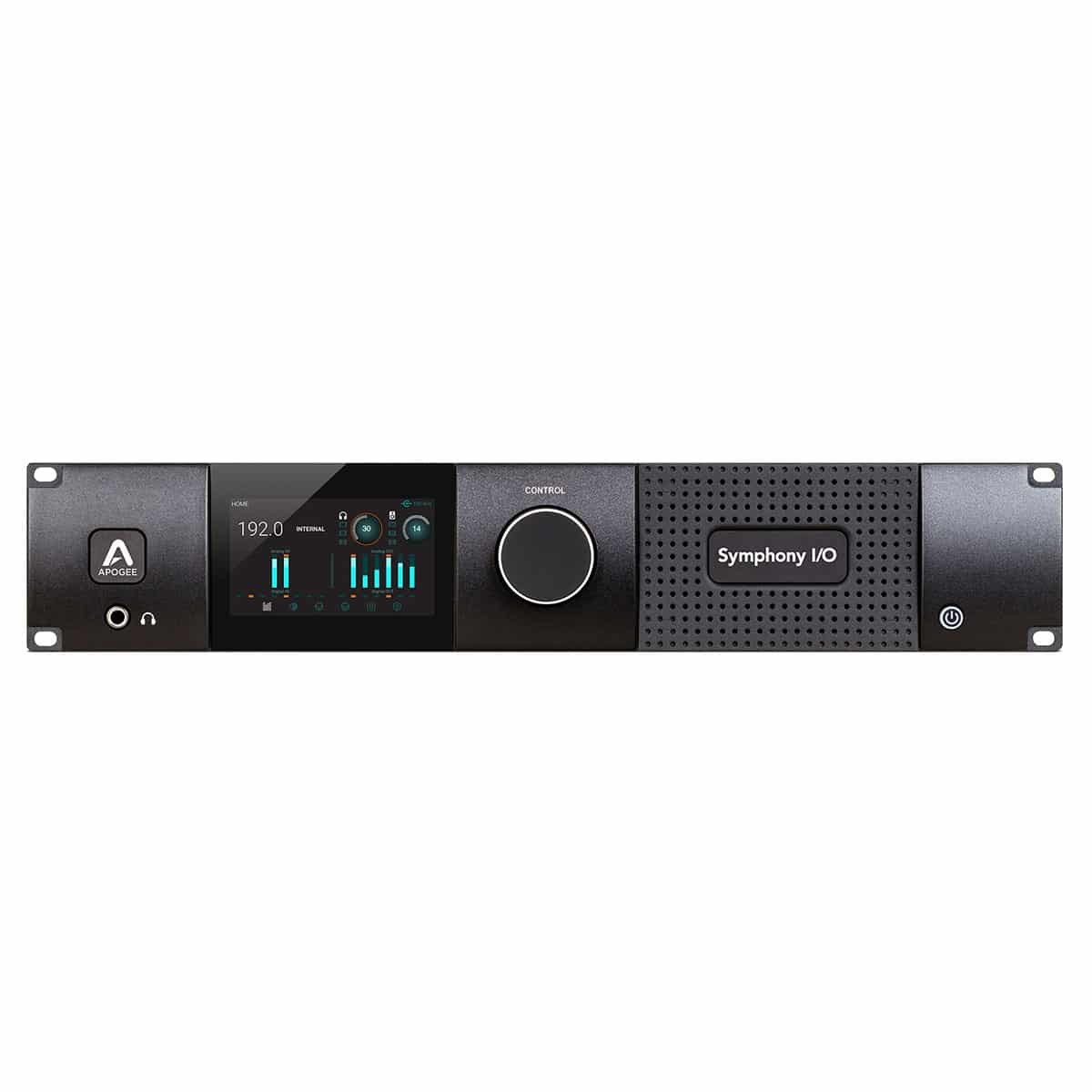
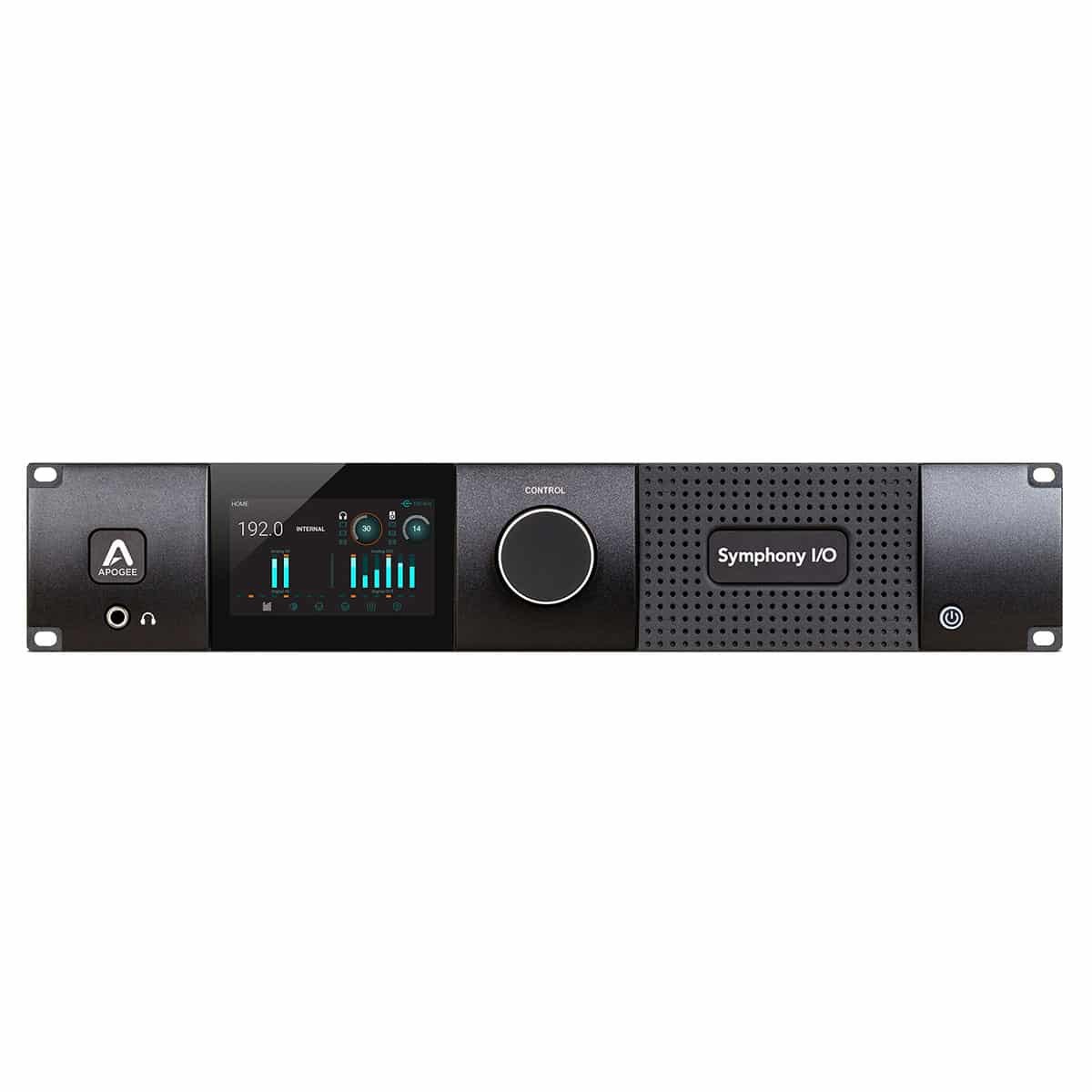
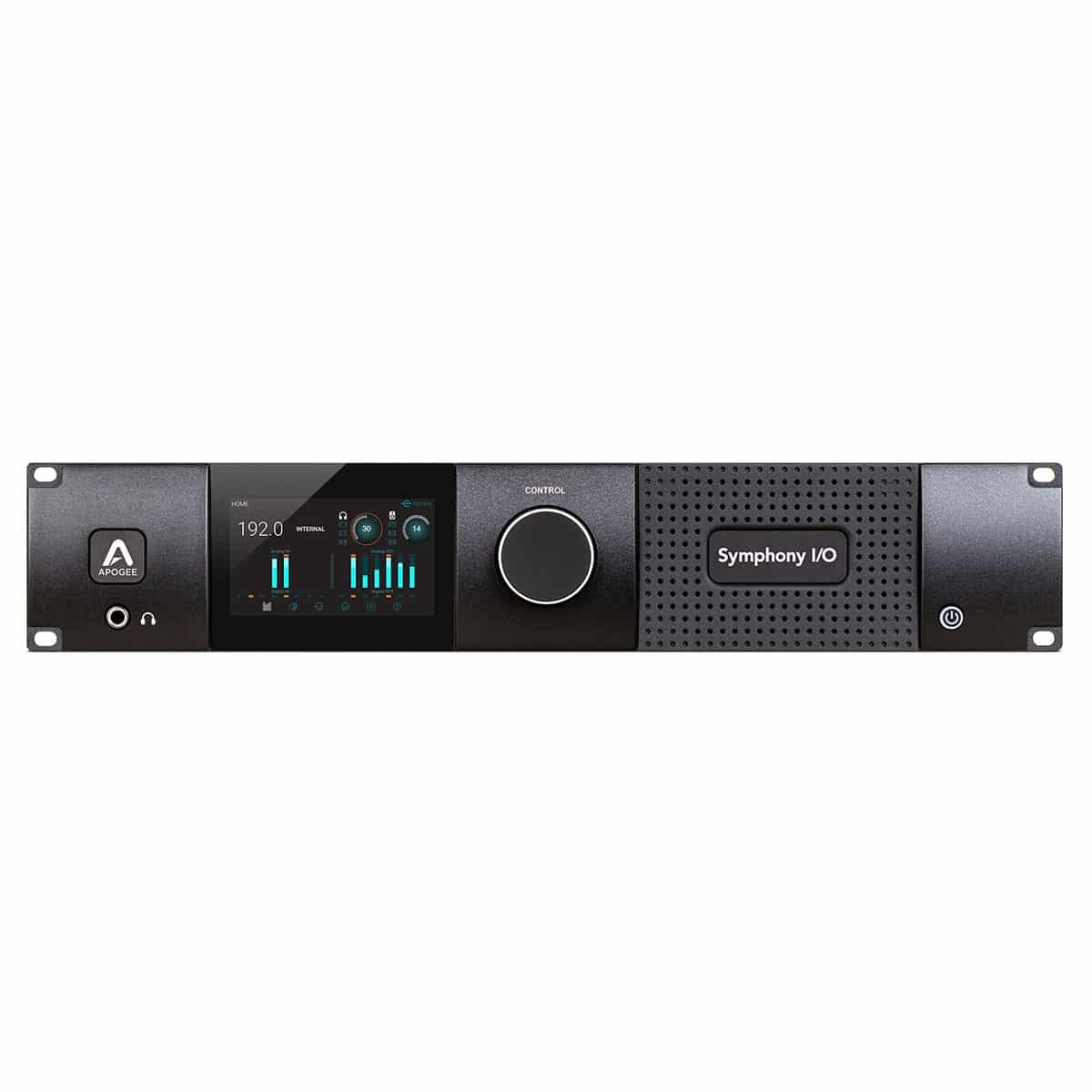
Apogee Symphony MkII now with integrated Thunderbolt 3

  • New Thunderbolt 3 connection integrated as standard
  • Compatible with modern Macs (TB3, TB4, TB5) without adapters
  • Thunderbolt optical cables supported up to 50 meters
  • No changes to drivers or audio quality
  • Reference Apogee modularity and conversion

Why is Apogee moving to Thunderbolt 3?

Thunderbolt 2 is still viable for professional audio, but cable availability is increasingly difficult and the use of USB-C adapters can create space and reliability issues. Thunderbolt 3 is the modern answer: easier-to-find cables, direct compatibility with current Macs, and the ability to use optical connections for large studios.

New connector, same performance

The move to Thunderbolt 3 in no way changes the audio performance of the Symphony MkII:

  • Same ultra-low latency
  • Same drivers and software
  • Same flexibility in I/O modules

Thunderbolt 3 vs. Thunderbolt 4 vs. Thunderbolt 5

Feature Thunderbolt 3 Thunderbolt 4 Thunderbolt 5
Maximum speed 40 Gbps 40 Gbps 80 Gbps (up to 120 bursts)
Maximum length (passive) 0,8 m 2 m 2 m+ (optical/active)
Connector type USB-C USB-C USB-C
Backward compatibility N/A Yes (with TB3) Yes (with TB3 and TB4)
Optical cable support Limited Available In development

Which cable to use for your Symphony MkII?

Use only Thunderbolt certified cables:

  • Short cables (≤ 2m): Thunderbolt 3 or 4
  • Long cables (≥ 10m): optical Thunderbolt TB3/TB4 (e.g., Corning, OWC, CalDigit)
  • TB5 cables: compatible, run at TB3 speeds

Avoid USB-C only cables: not suitable for professional audio via Thunderbolt.

Thunderbolt and USB-C: beware of the differences

Although they share a connector, Thunderbolt and USB-C are not the same thing:
  • USB-C cables do not support the speeds and latency needed for professional audio
  • Always check for the ⚡ icon on the cable or packaging
  • Prefer cables from reputable brands such as OWC, Corning, CalDigit, Belkin

Do you have a Symphony MkII with Thunderbolt 2?

You can upgrade, but the process is complex and requires disassembly of the back panel, power connector, fan, and word clock module. You also need a replacement of the back panel. Incorrect maneuvering can damage the unit and void the warranty.

Recommend:

  • Contact Apogee for factory upgrade
  • Purchase a new unit already with Thunderbolt 3 built in.

If your current setup works perfectly, nothing needs to be done. But if you want a more streamlined connection or are planning a new studio setup, this is your chance.

FAQ - Frequently Asked Questions

  • Does Thunderbolt 3 improve audio? No, it's just a simplification in the connection.
  • Can I use TB4 or TB5 cables? Yes, but they run at TB3 speeds.
  • Can I upgrade the TB3 module myself? Only if you have technical experience. If not, it is best to avoid it.
  • Are optical cables supported? Yes, up to 50 meters, ideal for studios with separate rooms.

Technical specifications.

  • Connection: built-in Thunderbolt 3
  • Compatibility: Macs with Thunderbolt 3/4/5
  • Drivers: same as TB2 version
  • Optical cable support: up to 50m (TB3/TB4)
  • Modularity: customizable I/O configurations
  • Latency: roundtrip up to 1.3ms

👉 Want to upgrade your studio with a state-of-the-art Symphony MkII?
Purchase it now on our website or contact us for a personalized consultation.

Stay up to date!

Join us today and get 5% off your next order!

Background newsletter
Your cart

Empty cart

Countries and Languages